Online Masters Programmes
As a Learning Designer at CEGD I design modules (30 credits, 12 weeks) for online Masters Programmes, while I collaborate with the rest of the team to identify opportunities for working in a smarter and more efficient way.
This page contains some voiceover videos and screenshots of my work, while I also attach templates and slide decks that I have re-designed while at CEGD.
You can click the thumbnails here to jump to a particular section, or scroll down to find out more.

Let’s start with some videos showcasing my work…
The video below presents two weeks of content from the Research Ethics and Research Methods module that I designed for the University of Portsmouth. The first week is a typical module of content, while the second one was designed to be a self-paced, online workshop on the use of SPSS for social research.
To view this in a larger player, please click the full screen icon, which is located next to the Wistia logo.
The following video is supplementary to the above and it is showcasing three more modules, which I found exciting to work on, while at CEGD. They have all been selected because of something unique in their format, e.g. assessment method and use of groupwork.
To view this in a larger player, please click the full screen icon, which is located next to the Wistia logo.
You can also view screenshots of selected modules…
Unfortunately, I cannot grant you access to the actual courses presented above, but I have taken some screenshots and presented them in OneNote Notebooks. Clicking the thumbnails below will take you to each Module’s Notebook, where you can explore the selected weekly sections and pages.
These links might take a while to load. If you cannot gain access please email irina.mylona@gmail.com to get access via an email invite.


How to preview on OneNote
Once you access the Notebook you can see there are several tabs for each module. For example, you can click the ‘Home Page’ tab to see what the homepage looks like for the module, or you can visit the ‘Topics’ tab to view a high level list of the weekly content. Selected weeks of content have been added to OneNote as well, so to view them, simply visit the weekly tab (e.g. Week 6) and explore the individual pages that appear under it.
Here are some H5P Interactions that I designed for my CEG modules…
To complement the learning content, I often design and develop interactive activities. The one embedded below is from the first module in MA Education. It is an interactive presentation, which is being adapted and used consistently as a component of the weekly challenge activities. It is used to provide the brief of the challenge and then it offers clear steps on how to complete it. After completing these steps, more guidance is provided on Canvas, asking the students to share their work in the forum and to peer-review.
Click the back and next buttons to navigate through the slides.
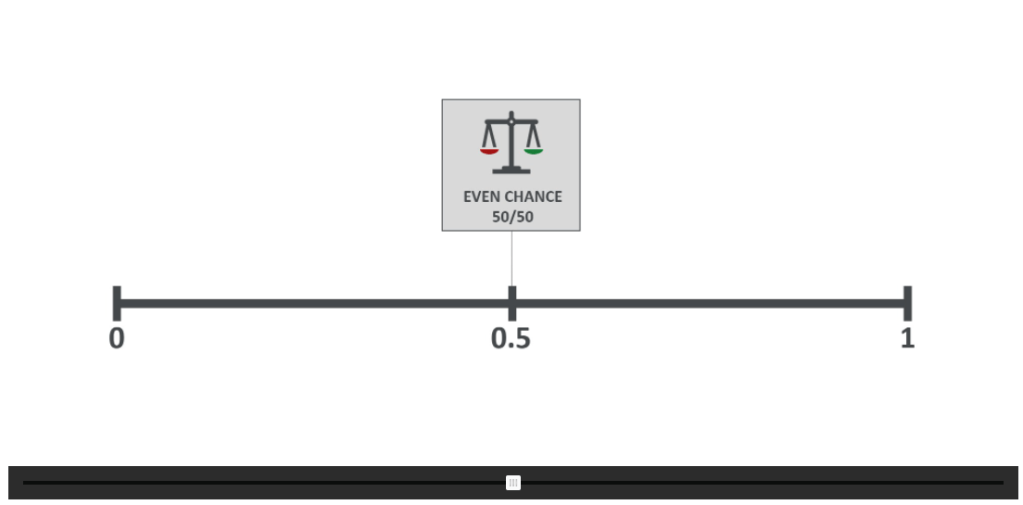
Click-to-reveal interaction
Strengths and limitations of qualitative research
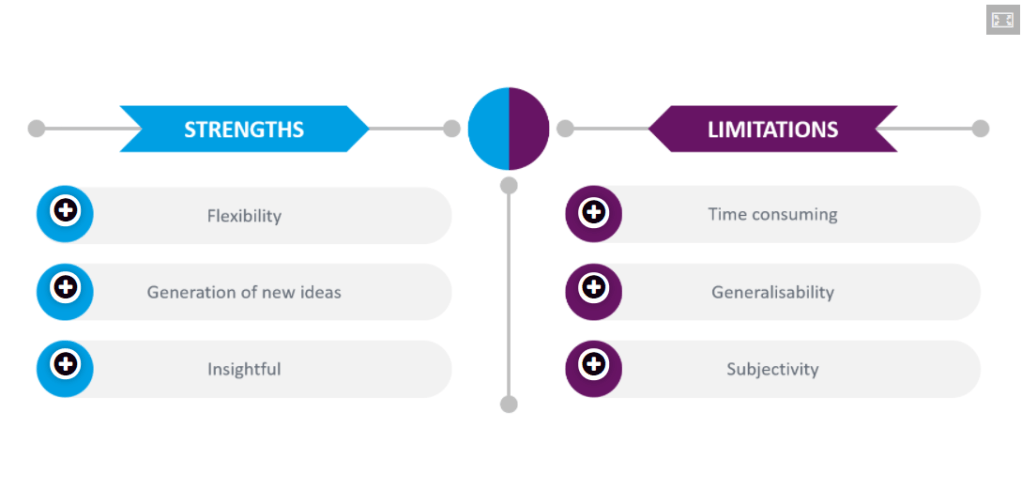
Agamotto H5P Interaction
Statistical probability scale 0-1 explained
I also get involved in re-designing lecture slides…
I often get asked to support our graphic designers with re-working slide decks that our academics provide, before they get turned into videos. Here is some of my before and after work.
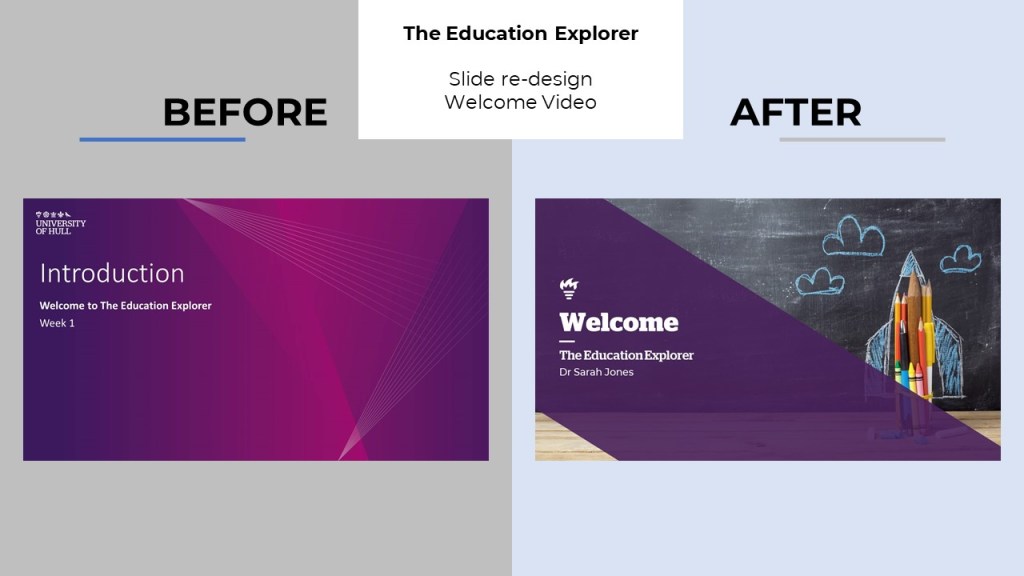
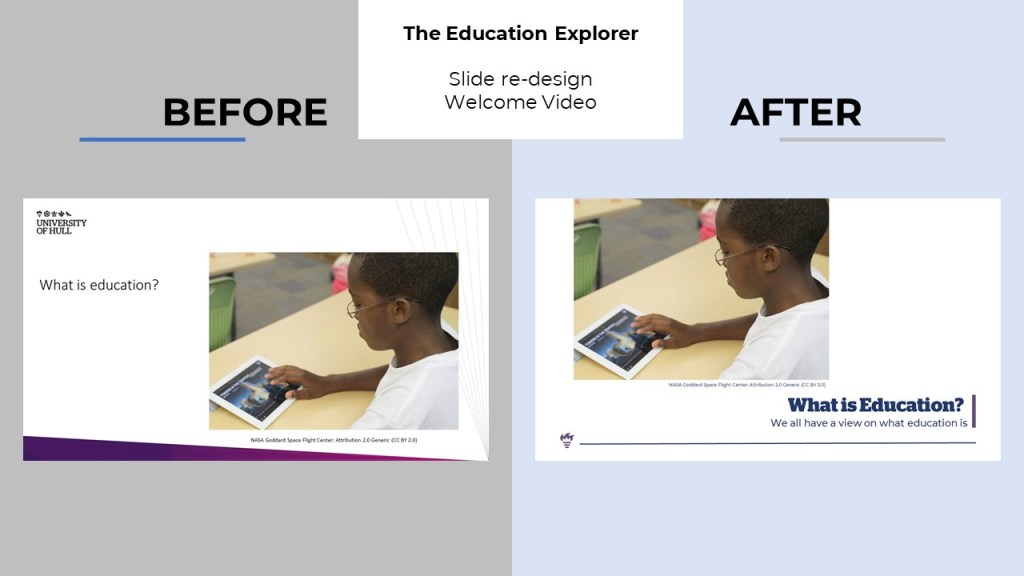
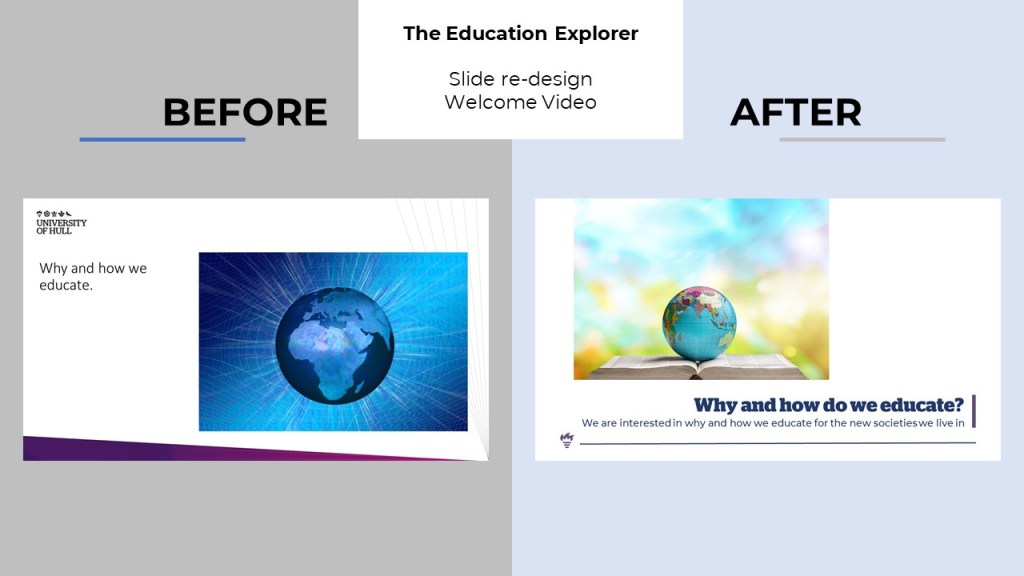
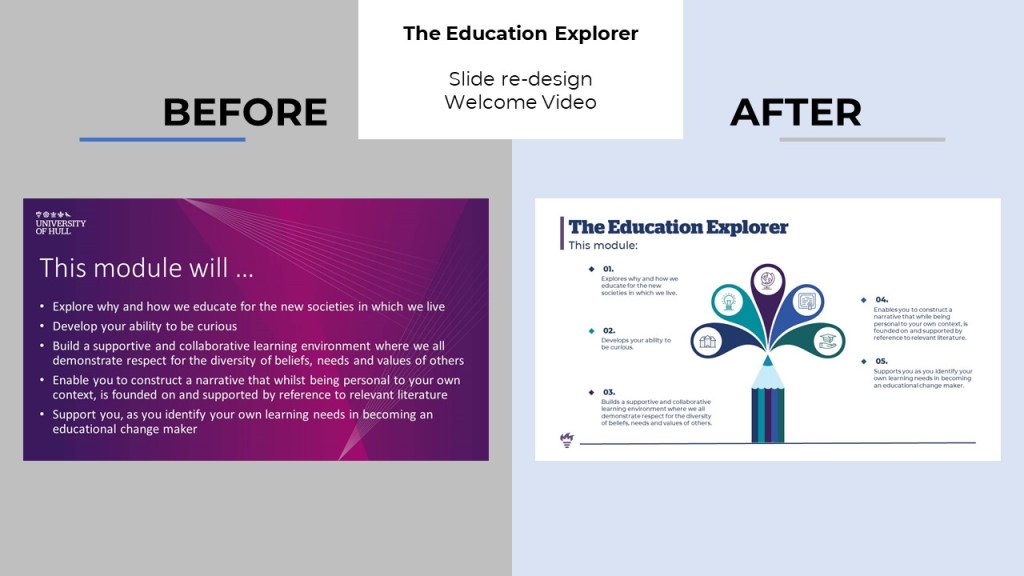
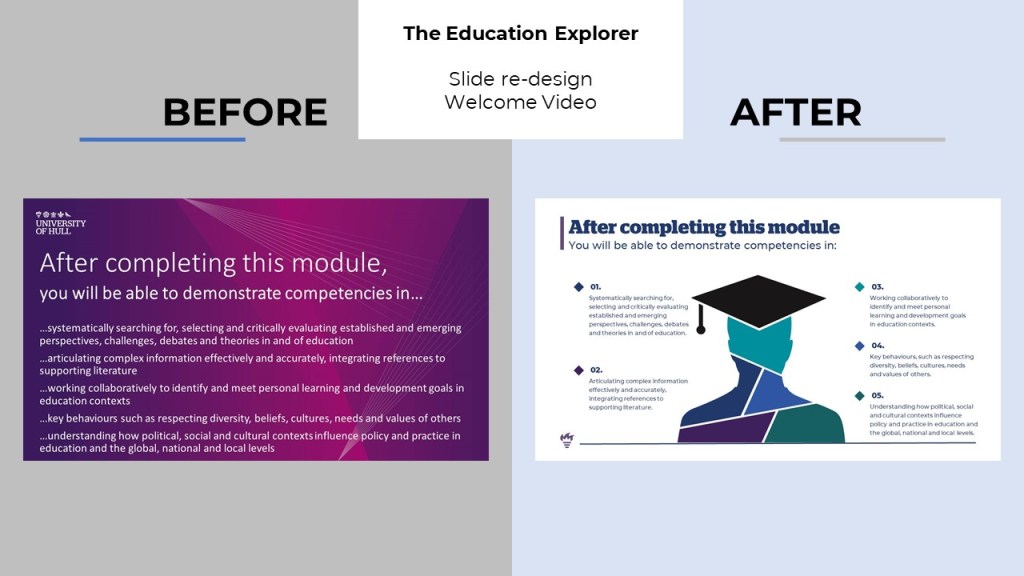

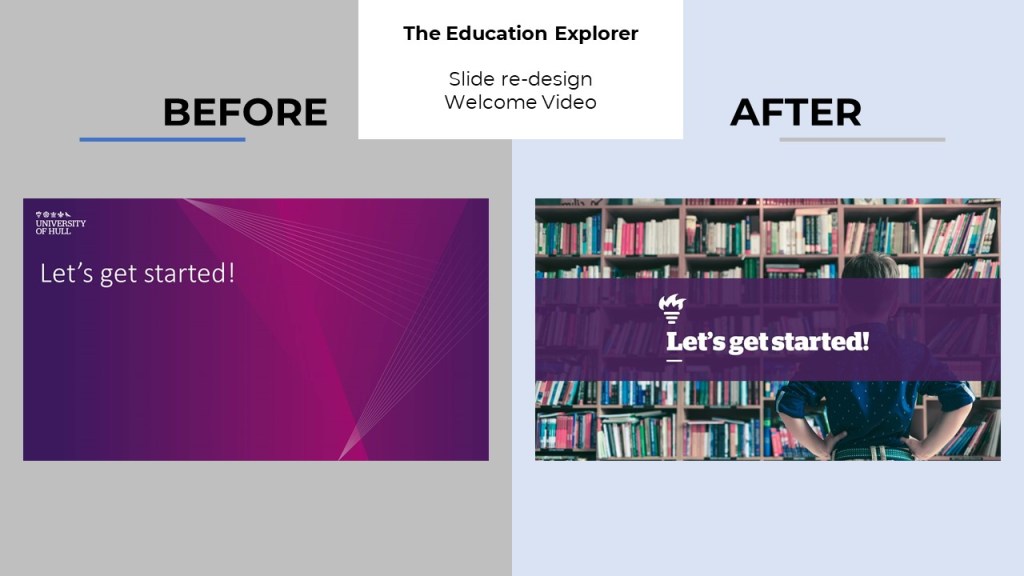
You can also click the links below to view the individual PowerPoint slide decks in more detail, if you so wish. Here are two examples:
1. Welcome Section – Before and After
2. Lecture Slides – Before and After
Finally, I work with the rest of the team to enhance our templates…
There is a lot of work in progress at the moment, as we are refining processes, procedures and templates. These are some of the templates that I have re-designed recently, aiming to make them more structured and on brand, before sharing with our academic partners.
1. Enhancements template – Before and After
2. Module planning template – Before and After
3. Weekly plan and script template – Before and After
What would you like to view next?
 - IMID -